

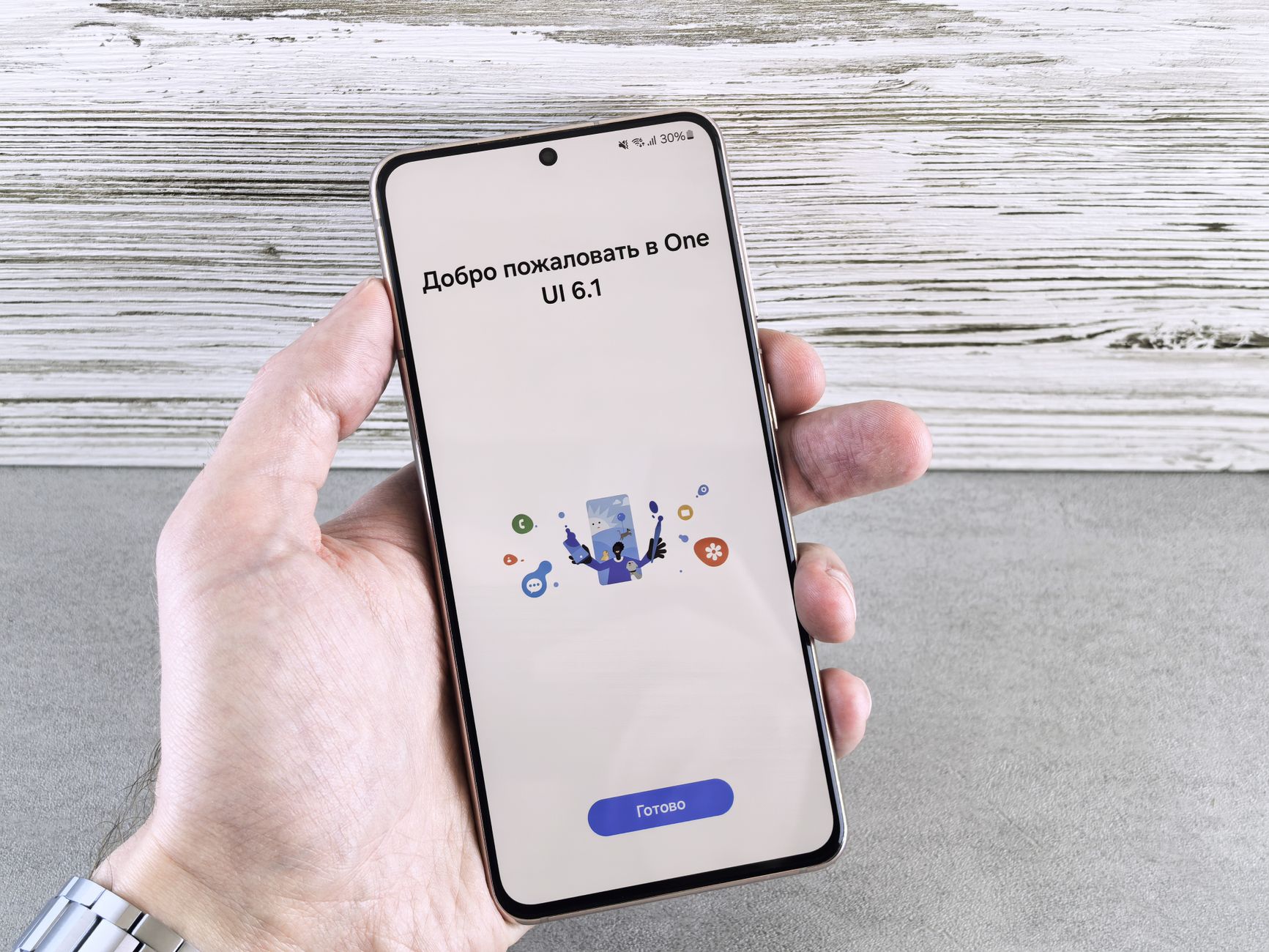
Samsung One UI 9 is now rolling out for the Galaxy S26 series, bringing a host of new features and improvements that users will love.
What’s New in Samsung One UI 9?
The highly anticipated Samsung One UI 9 update has officially begun rolling out for the Galaxy S26 series, bringing a host of exciting new features and enhancements. Users can expect a smoother and more intuitive experience as Samsung continues to refine its software.
Among the standout features of Samsung One UI 9 are:
- Enhanced Customization: Users can now personalize their home screens with new widgets and themes, allowing for greater individuality.
- Improved Performance: The update includes optimizations that enhance app loading times and overall system responsiveness.
- Advanced Camera Capabilities: New photography features, including enhanced night mode and improved image stabilization, cater to photography enthusiasts.
- Revamped Settings Menu: A more organized and user-friendly settings menu makes it easier to find and adjust preferences.
- Increased Privacy Controls: Enhanced privacy features empower users to manage data sharing and permissions more effectively.
With these updates, Samsung One UI 9 aims to provide a more seamless and enjoyable user experience for Galaxy S26 users, making it one of the best software updates yet.
User Experience Enhancements
The latest update, Samsung One UI 9, brings a range of user experience enhancements that significantly improve the interaction with the Galaxy S26 Series. This version focuses on making navigation smoother and more intuitive, allowing users to access their favorite features with ease.
One of the standout improvements is the refined layout of the home screen, which now offers more customization options. Users can:
- Resize widgets: Widgets can be adjusted to fit personal preferences and provide quicker access to essential information.
- New themes: Enhanced themes allow for a more personalized experience, with options that reflect individual tastes.
- Quick settings menu: The quick settings menu has been redesigned for better accessibility, making it easier to toggle settings on and off.
Moreover, Samsung One UI 9 introduces improved multitasking capabilities, enabling users to run multiple applications simultaneously without any lag. This is particularly beneficial for those who rely on their devices for both work and entertainment.
Overall, these enhancements in Samsung One UI 9 aim to elevate the user experience, making the Galaxy S26 Series more user-friendly than ever.
Performance Improvements
Samsung One UI 9 brings significant performance improvements that enhance the overall user experience for Galaxy S26 Series users. With this update, Samsung has optimized the software to ensure smoother multitasking and faster app launches, making daily tasks more efficient.
Key performance enhancements include:
- Improved App Responsiveness: Apps now open and close with greater speed, reducing lag and waiting time.
- Enhanced Battery Management: One UI 9 introduces smarter battery management features that extend battery life during intensive usage.
- Resource Allocation: The update intelligently allocates system resources, ensuring that high-performance tasks run seamlessly without affecting background processes.
- Gaming Mode Upgrades: Gamers can expect enhanced graphics performance and reduced latency for a more immersive experience.
With these updates, Samsung One UI 9 positions itself as a robust operating system tailored for the Galaxy S26 Series, ensuring users can enjoy their devices to the fullest. The improvements not only enhance speed but also contribute to overall device stability, making it a highly anticipated upgrade for users looking to maximize their smartphone’s potential.
How to Update Your Galaxy S26
Updating your Galaxy S26 to the latest Samsung One UI 9 is a straightforward process that ensures you benefit from all the new features and enhancements. Here’s how to do it:
- Check for Updates: Start by opening the Settings app on your Galaxy S26. Scroll down and select Software update.
- Download and Install: Tap on Download and install. Your device will check for the latest updates, including Samsung One UI 9.
- Backup Your Data: It’s always a good idea to back up your important data before proceeding with the update. You can use Samsung Cloud or another backup solution.
- Follow the Prompts: If an update is available, follow the on-screen instructions to download and install Samsung One UI 9. Ensure your device is charged or connected to power during the process.
- Restart Your Device: Once the installation is complete, your Galaxy S26 will restart. Explore the new features and improvements that come with Samsung One UI 9.
Stay up to date with the latest software to enhance your Galaxy experience!
User Reactions and Feedback
As the rollout of Samsung One UI 9 begins for the Galaxy S26 series, user reactions have been overwhelmingly positive. Many Galaxy S26 owners have taken to social media and forums to share their experiences with the latest update.
Users have praised the new features and enhancements, highlighting the following:
- Customizability: The ability to personalize the interface to match individual preferences has been well-received.
- Improved Performance: Many users report noticeable speed improvements, especially when multitasking between apps.
- Enhanced Visuals: The updated design elements and smoother animations have impressed users who appreciate aesthetic upgrades.
- Battery Life: Users have noticed better battery management, leading to longer usage between charges.
However, some users have expressed minor concerns regarding compatibility issues with third-party apps, which they hope will be addressed in future updates. Overall, the feedback indicates that Samsung One UI 9 is shaping up to be a significant improvement for the Galaxy S26 series, making it a hit among its users.
Comparing One UI 9 to Previous Versions
The release of Samsung One UI 9 has sparked considerable interest among Galaxy S26 users, particularly when compared to previous versions of the user interface. This latest update not only brings a fresh design but also refines existing features to enhance overall usability.
One of the most notable improvements is in the customization options, which allow users to personalize their devices more than ever. Compared to One UI 8, the new version offers:
- Enhanced Themes: A wider selection of themes and wallpapers tailored to user preferences.
- Improved Widgets: More interactive and dynamic widgets that provide relevant information at a glance.
- Streamlined Settings Menu: An easier-to-navigate settings menu that reduces the time needed to find key features.
Moreover, Samsung One UI 9 introduces a more intuitive multitasking experience, allowing users to switch between apps seamlessly. In contrast to its predecessors, this version shows a significant reduction in lag during app transitions, making for a smoother experience overall.
As feedback continues to roll in, it is clear that the advantages of One UI 9 resonate well with users, marking a step forward in Samsung’s interface evolution.
Future Updates and Features
As Samsung continues to enhance its software, the Samsung One UI 9 promises a range of exciting future updates and features for users of the Galaxy S26 series. The company has committed to regularly improving its interface, ensuring that users benefit from the latest technological advancements.
Among the anticipated updates are:
- Enhanced Customization: Users can expect more options for personalizing their devices, allowing for a truly unique experience.
- Smart Device Integration: Future versions are likely to improve connectivity with other smart devices, enhancing the ecosystem experience.
- Privacy Features: As user data security becomes increasingly important, new tools to protect personal information are on the horizon.
- AI Features: The incorporation of artificial intelligence to optimize performance and user experience is set to be a key focus.
These updates aim to keep the Galaxy S26 series at the forefront of mobile technology, ensuring that Samsung One UI 9 remains a competitive player in the market. Staying tuned to official announcements will provide users with the latest information on upcoming features.
Photo by Andrey Matveev on Pexels
References
You might also like
Super Ugly Mew Cards: The Best Proven Collectible · OriginOS 7 Update: Best Features and Complete Timeline · Madden 27 Update: What Are the Best Patch Notes?