

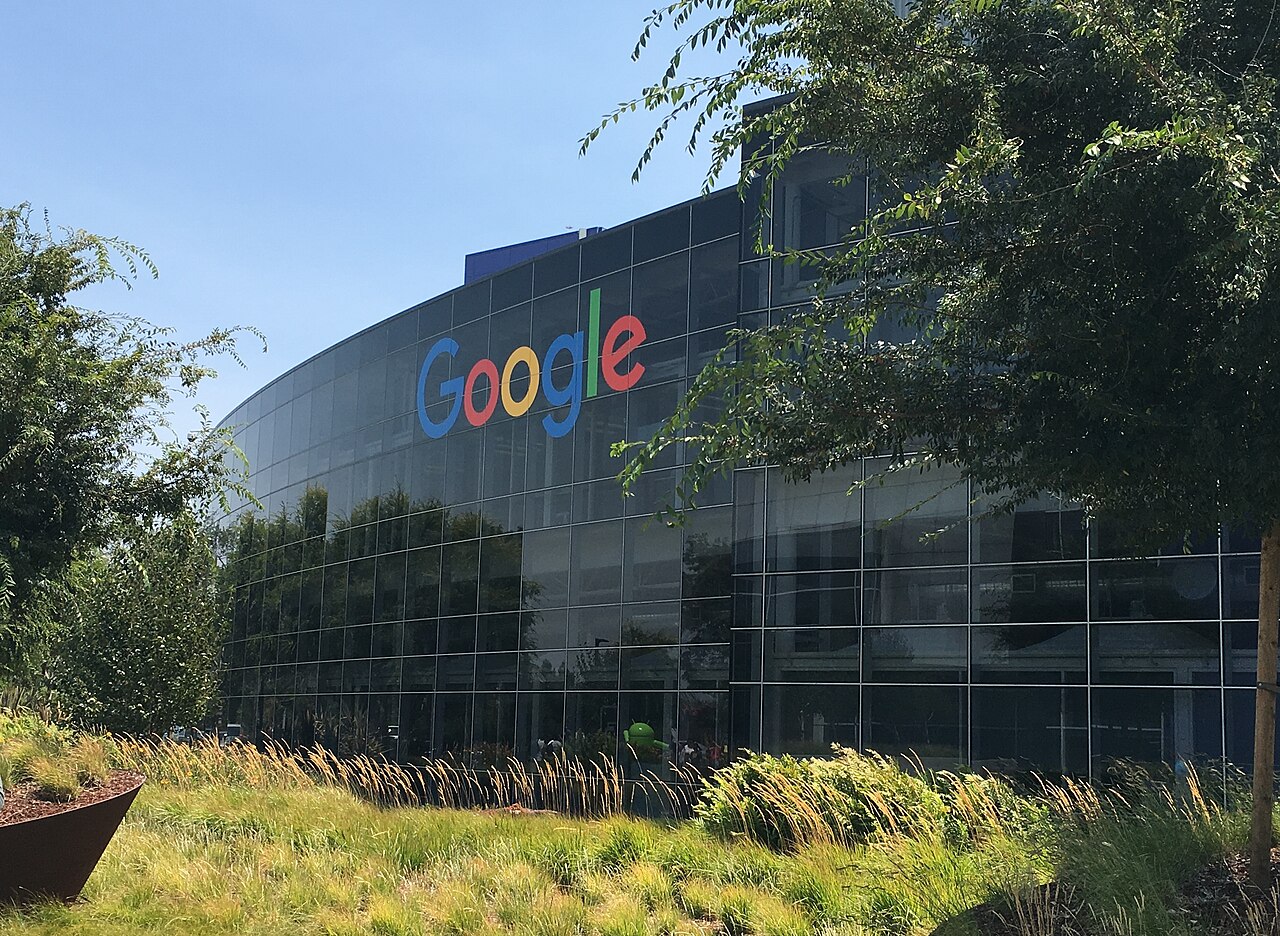
AI voice features are now available in Gmail, Docs, and Keep, enhancing user experience and productivity.
What are AI Voice Features?
AI voice features represent a significant advancement in the way users interact with digital tools. By leveraging artificial intelligence, these features facilitate more intuitive and efficient communication, especially in applications like Gmail and Google Docs.
At their core, AI voice features enable users to perform tasks hands-free, making it easier to multitask and stay productive. Here are some of the key benefits:
- Enhanced Accessibility: These features are designed to assist users with disabilities, helping them navigate and utilize applications through voice commands.
- Increased Efficiency: Users can dictate emails or documents instead of typing, which can save time and reduce the strain on fingers and wrists.
- Natural Language Processing: AI voice features can understand and process human language more effectively, allowing for commands and queries to be executed with greater accuracy.
- Integration with Other Tools: These features often work seamlessly with other productivity tools, providing a more cohesive user experience.
As technology continues to evolve, AI voice features are becoming increasingly sophisticated, transforming the way we communicate and collaborate. Whether for professional or personal use, these tools enhance user experience and productivity in a way that is both innovative and practical.
How to Use AI Voice in Gmail
With the introduction of AI voice features in Gmail, users can enhance their email experience significantly. These tools are designed to streamline the writing process, making it more efficient and user-friendly.
To get started with AI voice in Gmail, follow these simple steps:
- Open Gmail: Launch the Gmail app on your device or access it through your web browser.
- Compose a New Email: Click on the “Compose” button to start a new message.
- Activate Voice Typing: Look for the microphone icon in the text input area. Click it to enable voice typing.
- Speak Clearly: Begin dictating your email. The AI voice features will transcribe your words in real-time, allowing for a seamless writing experience.
- Edit and Format: Use voice commands to edit your text or format it as needed. You can say commands like “new line,” “bold,” or “add bullet points” to enhance your email further.
These AI voice features not only save time but also help in maintaining clarity and structure in your emails. Embracing this innovative technology can lead to more effective communication in your professional and personal correspondence.
Benefits of AI Voice in Docs
The introduction of AI voice features in Google Docs brings a multitude of benefits that enhance user experience and productivity. These innovative tools streamline the way users interact with their documents, making the writing process more efficient and accessible.
One of the primary advantages is the ability to dictate content seamlessly. Users can speak naturally, and the AI voice technology transcribes their words into text with high accuracy. This eliminates the need for tedious typing, allowing for a more fluid flow of ideas. Additionally, it can be especially helpful for individuals with disabilities or those who find typing challenging.
Moreover, the AI voice features enable users to edit and format documents using voice commands. This hands-free approach reduces distractions and allows writers to focus on their thoughts without losing momentum. For instance, users can say commands like “bold this text” or “add a bullet point,” making document creation a more intuitive process.
Another benefit is the integration of voice commands with collaborative features. Teams can work together more effectively by discussing changes aloud, which the AI can then transcribe into the document. This fosters a collaborative environment where ideas can be shared and implemented in real-time.
Overall, the AI voice features in Google Docs not only enhance productivity but also make the document creation process more inclusive and engaging for all users.
User Reactions to New Features
User reactions to the new AI voice features in Gmail and Docs have been largely positive, with many users expressing excitement about the potential these tools offer for enhanced productivity. The integration of voice capabilities allows users to interact with their emails and documents in a more dynamic and efficient manner.
One user noted, “The AI voice features save me so much time! I can dictate my emails and have them formatted correctly without typing a single word.” This sentiment was echoed by others who appreciate the hands-free convenience these tools provide, especially during busy workdays.
However, some users have raised concerns regarding the accuracy of voice recognition, particularly in detecting accents or specialized terminology. “I love the idea, but sometimes it struggles with technical jargon,” said another user. This feedback highlights the need for continuous improvement in the voice recognition technology.
Despite some drawbacks, many users are eager to embrace these AI voice features. A survey conducted on social media revealed that:
- 75% of respondents plan to use voice features regularly.
- 65% believe it will significantly enhance their workflow.
- 80% appreciate the accessibility it provides for those with disabilities.
As users adapt to these innovations, the overall reception suggests a promising future for AI voice features in productivity tools.
Comparing AI Voice Tools
The introduction of AI voice features has transformed how users interact with Gmail and Docs, prompting a wave of comparisons among the latest tools available. Many users are eager to understand which features stand out and how they can enhance productivity.
When examining the different AI voice tools, several key aspects come to light:
- Accuracy: One of the most important factors is the precision of voice recognition. Users expect a high level of accuracy when dictating emails or documents, reducing the need for extensive manual corrections.
- Ease of Use: The user interface plays a significant role in how effectively individuals can utilize these AI voice features. Tools that are intuitive and easy to navigate encourage more frequent use.
- Integration: Seamless integration with existing workflows in Gmail and Docs is crucial. Features that work effortlessly alongside current functionalities provide a more cohesive experience.
- Customization: The ability to customize voice commands or settings can enhance user satisfaction. Personalized experiences often lead to improved efficiency and engagement.
- Feedback Mechanisms: Tools that offer immediate feedback, such as confirming voice commands or suggesting edits, can significantly improve the user experience.
As users explore these AI voice features, the competition among tools continues to drive innovation, making it an exciting time for productivity enhancements in email and document management.
Future of AI in Productivity Apps
The future of AI in productivity apps looks promising, particularly with the integration of AI voice features that are transforming how users interact with software. As more organizations adopt remote and hybrid work models, the demand for efficient tools that enhance communication and collaboration is on the rise.
Experts predict that AI voice features will continue to evolve, offering even more advanced capabilities. These may include:
- Natural Language Understanding: AI will become better at interpreting user commands, making interactions more intuitive.
- Multi-Language Support: Future tools are likely to include support for multiple languages, catering to a global workforce.
- Customization: Users may have the option to tailor voice settings and preferences to suit individual needs.
- Integration with Other Apps: AI voice features could seamlessly connect with a broader range of applications, enhancing overall productivity.
As AI continues to learn from user interactions, the accuracy and responsiveness of these voice features will improve, leading to a more efficient workflow. The potential for AI voice technology to streamline tasks in Gmail and Docs can significantly reduce the time spent on routine activities, allowing users to focus on more strategic work.
In summary, the future of AI voice features in productivity apps holds great promise, paving the way for innovations that will redefine how we work.
Getting Started with Google AI Voice
Getting started with Google AI voice features is a seamless process that enhances productivity in both Gmail and Docs. Users can take advantage of these advanced tools to streamline their workflow and improve efficiency.
To begin, ensure that your Google Workspace account is upgraded to the latest version, as the AI voice features are integrated into these applications. Once confirmed, follow these simple steps:
- Access Settings: Navigate to the settings menu in Gmail or Docs to enable the AI voice options.
- Choose Voice Input: Select the voice input option to start dictating your emails or documents. The AI will transcribe your spoken words into text.
- Utilize Voice Commands: Familiarize yourself with the various voice commands available to edit, format, and navigate within your documents.
- Practice for Accuracy: Spend some time practicing with the voice features to improve recognition accuracy and get accustomed to the functionality.
With the AI voice features integrated into Gmail and Docs, users can enhance their productivity by reducing typing time and allowing for more natural expression. This innovative approach not only saves time but also makes the writing process more accessible for everyone.
As you explore these new tools, you’ll discover how AI voice features can transform the way you communicate and collaborate.
via Wikimedia Commons
Where this came from
Related reading
- Mint Mobile phone plan: Best $15/month deal you can get
- Why Organized Online Resources Matter for Modern Digital Navigation
- Updated Address Collection for Discovering Popular Online Destinations Across Multiple Categories